UPDATED 2018/04/09! We've released a newer version!
https://blog.securityonion.net/2018/04/security-onion-elastic-stack-general.html
We're excited to announce that our Elastic Stack integration has now reached Release Candidate 4 (RC4)! RC4 includes a new 14.04.5.10 ISO image that contains these RC4 components and all the latest Ubuntu and Security Onion updates as of March 26, 2018!
RC4 Highlights
- All Ubuntu and Security Onion updates as of 2018/3/26
- Elastic Stack Release Candidate 4:
https://github.com/Security-Onion-Solutions/security-onion/issues/1219
- Docker images based on Elastic Stack 6.2.3
- Elasticsearch dynamic mapping is now set to false to prevent field limit explosion.
- Elasticsearch and Logstash now set heap and other java options in jvm.options.
- /etc/logstash/conf.d/ is now a collection of symbolic links to the actual files. This will allow you to disable parts of the Logstash config without having them re-enabled at next upgrade.
- To increase performance, Logstash no longer looks up IDS rules.
- CapMe now displays the log that you pivoted from and, if it was an IDS alert, it will display the rule that generated the alert.
- Lots of new so-$COMPONENT-$VERB scripts for controlling various components.
- Elastic recently implemented a new skip_unavailable option for cross cluster nodes and this replaces our old so-crossclustercheck workaround.
- Lots of other improvements and bug fixes!
Issues Resolved
Issue 1223: 14.04.5.10 ISO image
https://github.com/Security-Onion-Solutions/security-onion/issues/1223
This new ISO image has been tested by Mike Reeves and Wes Lambert. Thanks, guys!
Known Issues
For known issues, please see the todo list for our next Elastic release:
https://github.com/Security-Onion-Solutions/security-onion/issues/1221
Thanks
Special thanks to the following for their contributions to our Elastic Stack integration!
- Elastic.co
- Justin Henderson
- Mark Baggett
New Installations
We've updated the Verify_ISO page for the new ISO image:
https://github.com/Security-Onion-Solutions/security-onion/blob/master/Verify_ISO.md
Please remember to verify the signature of the downloaded ISO image using the instructions on that page.
Please note! This ISO image includes the EXPERIMENTAL Elastic stack!
The Elastic components are included in the ISO image and Setup gives you an option of Stable Setup (ELSA) or Experimental Setup (Elastic). If you do not want to try the new Elastic stack, you can choose Stable Setup. If you choose Experimental Setup, the usual disclaimers and warnings apply!
- Experimental Setup is BLEEDING EDGE and TOTALLY UNSUPPORTED!
- If this breaks your system, you get to keep both pieces!
- This is a work in progress and is in constant flux.
- This is intended to build a quick prototype proof of concept so you can see what our ultimate Elastic configuration might look like. This configuration will change drastically over time leading up to the final release.
- Do NOT run this on a system that you care about!
- Do NOT run this on a system that has data that you care about!
- This should only be run on a TEST box with TEST data!
- Experimental Setup may result in nausea, vomiting, or a burning sensation.
For more about Elastic Release Candidate 4, please see
https://securityonion.net/wiki/elastic and the Screenshot tour at the bottom of this blog post.
Please note the following minimum hardware requirements for the Elastic stack:
2 CPU cores
8GB RAM
If you would prefer an ISO image with no Elastic components at all, you have a few options:
- Install the older Security Onion 14.04.5.2 ISO image and then run "sudo soup"
OR
Existing Deployments
If you have existing ELSA installations based on a previous 14.04 ISO image, there is no need to download this new ISO image. You can simply continue using our standard update process to install updated packages as they are made available:
https://securityonion.net/wiki/Upgrade
If you have existing Elastic installations (Technology Preview, Alpha, Beta, or Release Candidate), we don't officially support upgrading to newer releases, but you can try the steps listed here:
https://securityonion.net/wiki/elastic-rc4
Release Notes
For more information about this release, please see:
https://securityonion.net/wiki/14.04.5.10
Feedback
We want to hear from you! What works well? What could be improved? Please send feedback to our mailing list and include "Elastic RC4" in the Subject:
https://securityonion.net/wiki/MailingLists
Training
Need training on Security Onion and this Elastic integration? We have a 4-day Security Onion training class coming up in San Antonio, Texas that will use this ISO image! For this and other training options, please see:
https://securityonionsolutions.com
Support
Need support? Please see:
https://securityonion.net/wiki/Support
Previous Releases
To see our progress over the last few months, please see the previous announcements:
http://blog.securityonion.net/2017/03/towards-elk-on-security-onion.html
http://blog.securityonion.net/2017/06/towards-elastic-on-security-onion.html
http://blog.securityonion.net/2017/07/towards-elastic-on-security-onion.html
http://blog.securityonion.net/2017/09/elastic-stack-alpha-release-and.html
http://blog.securityonion.net/2017/11/elastic-stack-beta-release-and-security.html
http://blog.securityonion.net/2017/11/elastic-stack-beta-2-release-and.html
http://blog.securityonion.net/2017/12/security-onion-elastic-stack-beta-3.html
http://blog.securityonion.net/2018/01/security-onion-elastic-stack-release.html
http://blog.securityonion.net/2018/02/security-onion-elastic-stack-release.html
https://blog.securityonion.net/2018/03/security-onion-elastic-stack-release.html
Screenshot Tour
 |
| Security Onion 14.04.5.10 0326 |
 |
| Welcome to Setup |
 |
| Network Configuration |
 |
| Stable Setup vs Experimental Setup |
 |
| Experimental Setup |
 |
| Evaluation Mode vs Production Mode |
 |
| Monitoring (Sniffing) Interface |
 |
| Creating User Account |
 |
| Setting Password |
 |
| Confirming Password |
 |
| Confirming Options |
 |
| Setup Complete |
 |
| Lots of new control scripts with convention of so-COMPONENT-VERB |
 |
| Single Sign On (SSO) for Kibana, Squert, and CapMe |
 |
| Squert |
 |
| When pivoting from Kibana to CapMe, CapMe now displays the log you pivoted from and, if it's an IDS alert, the rule that generated the alert |
 |
| Kibana Overview |
 |
| Help |
 |
| Bro Notices |
 |
| ElastAlert |
 |
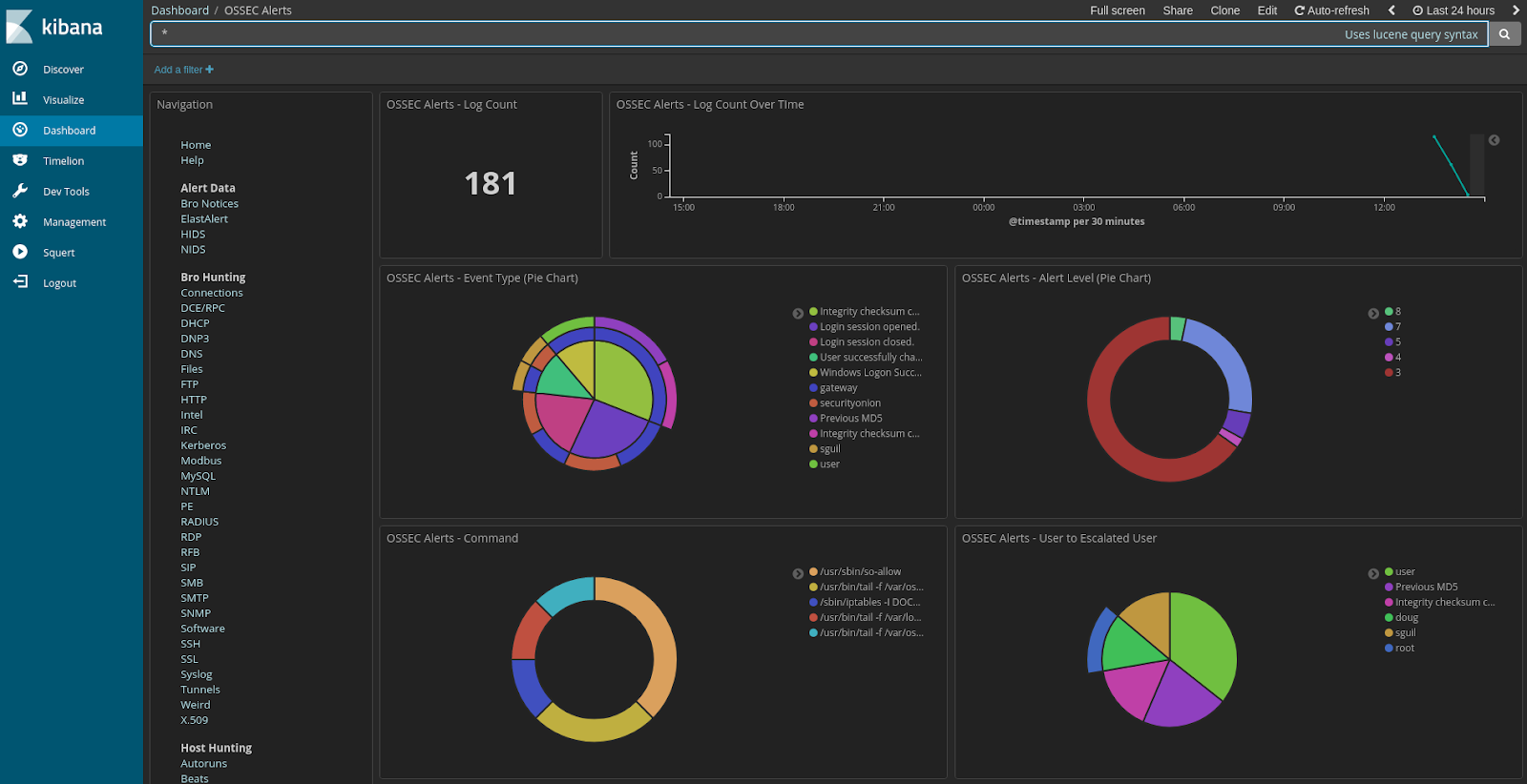
| OSSEC HIDS Alerts |
 |
| NIDS Alerts from Snort or Suricata |
 |
| Connections |
 |
| DCE/RPC |
 |
| DHCP |
 |
| DNP3 |
 |
| DNS |
 |
| Files |
 |
| FTP |
 |
| HTTP |
 |
| Intel |
 |
| IRC |
 |
| Kerberos |
 |
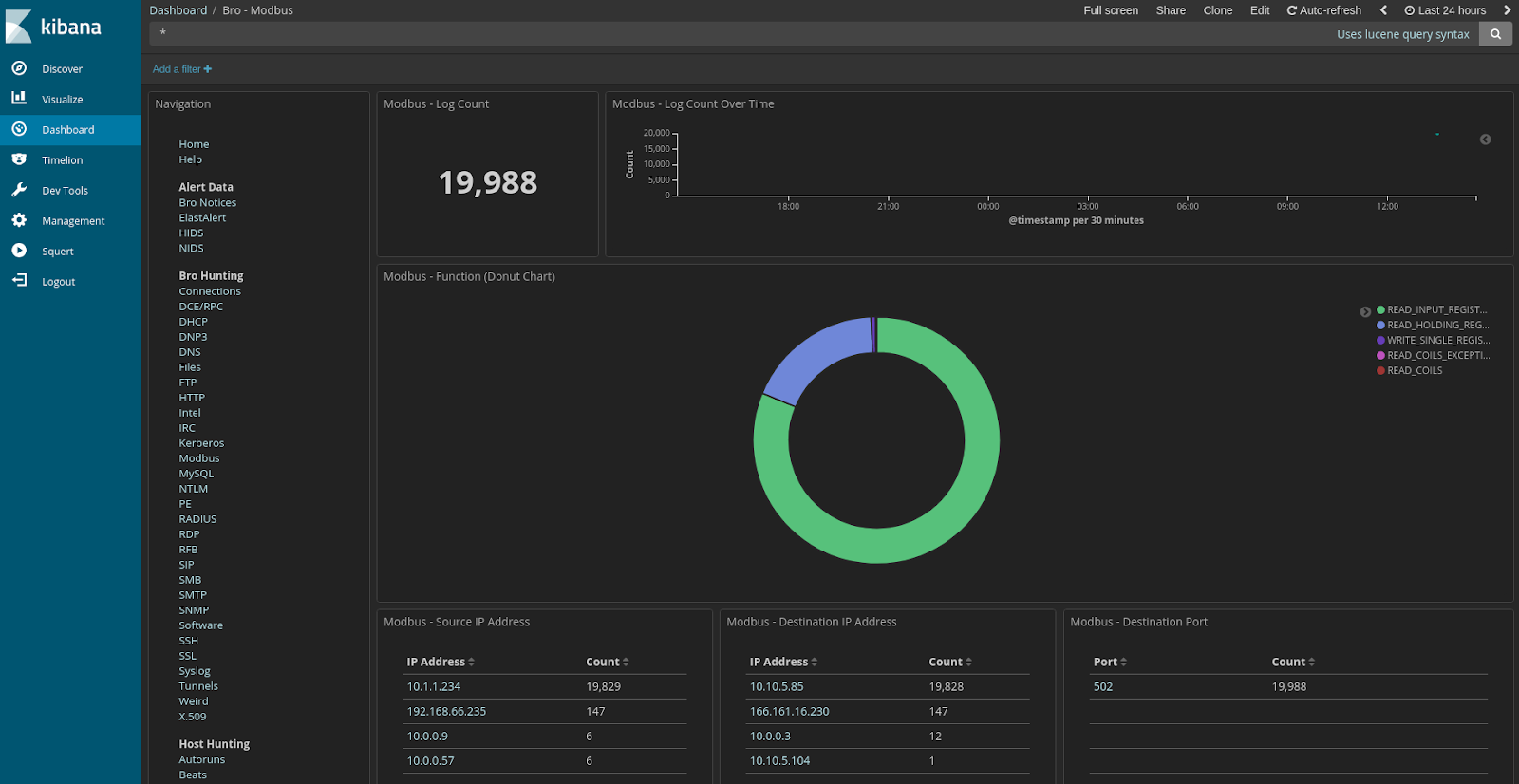
| Modbus |
 |
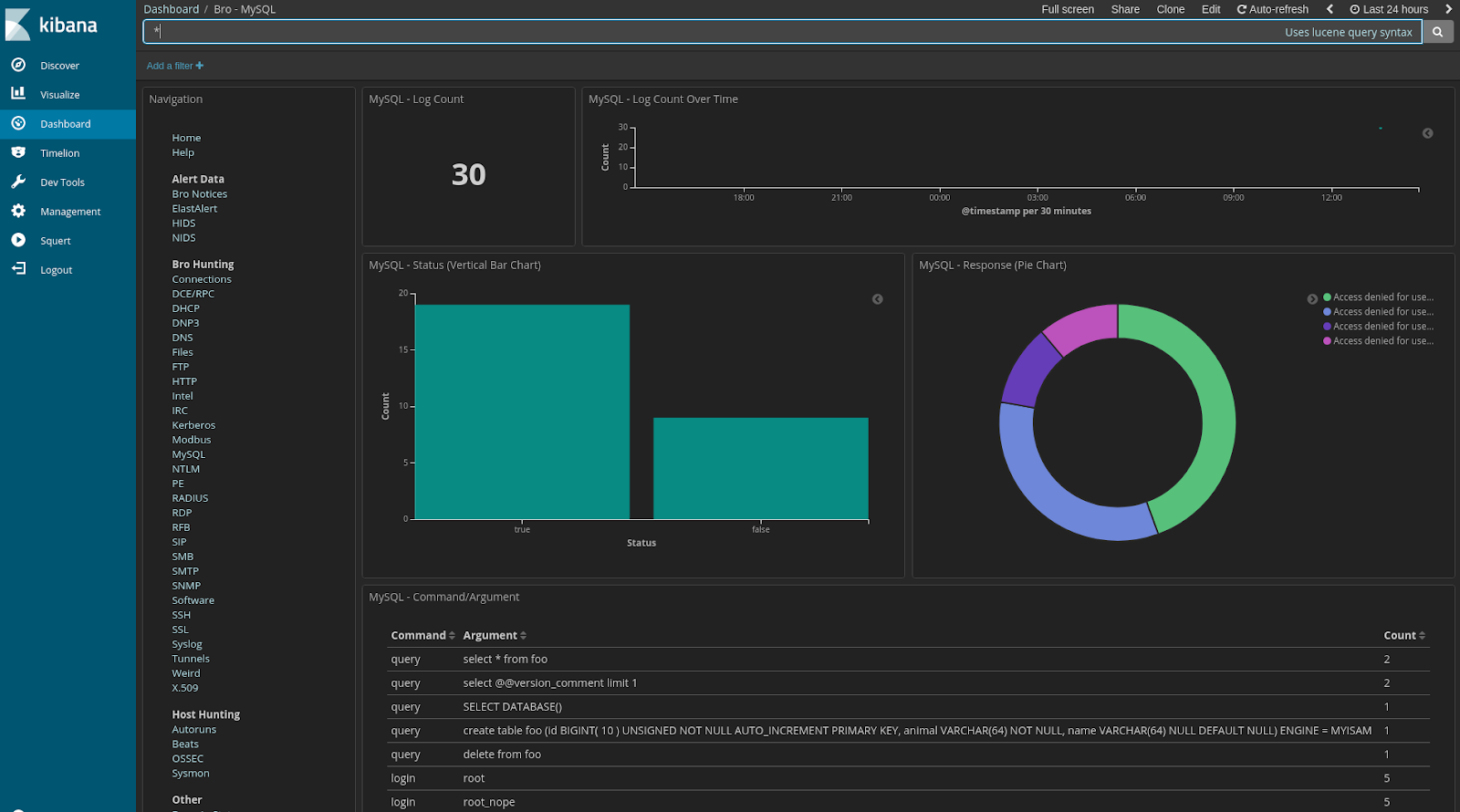
| MySQL |
 |
| NTLM |
 |
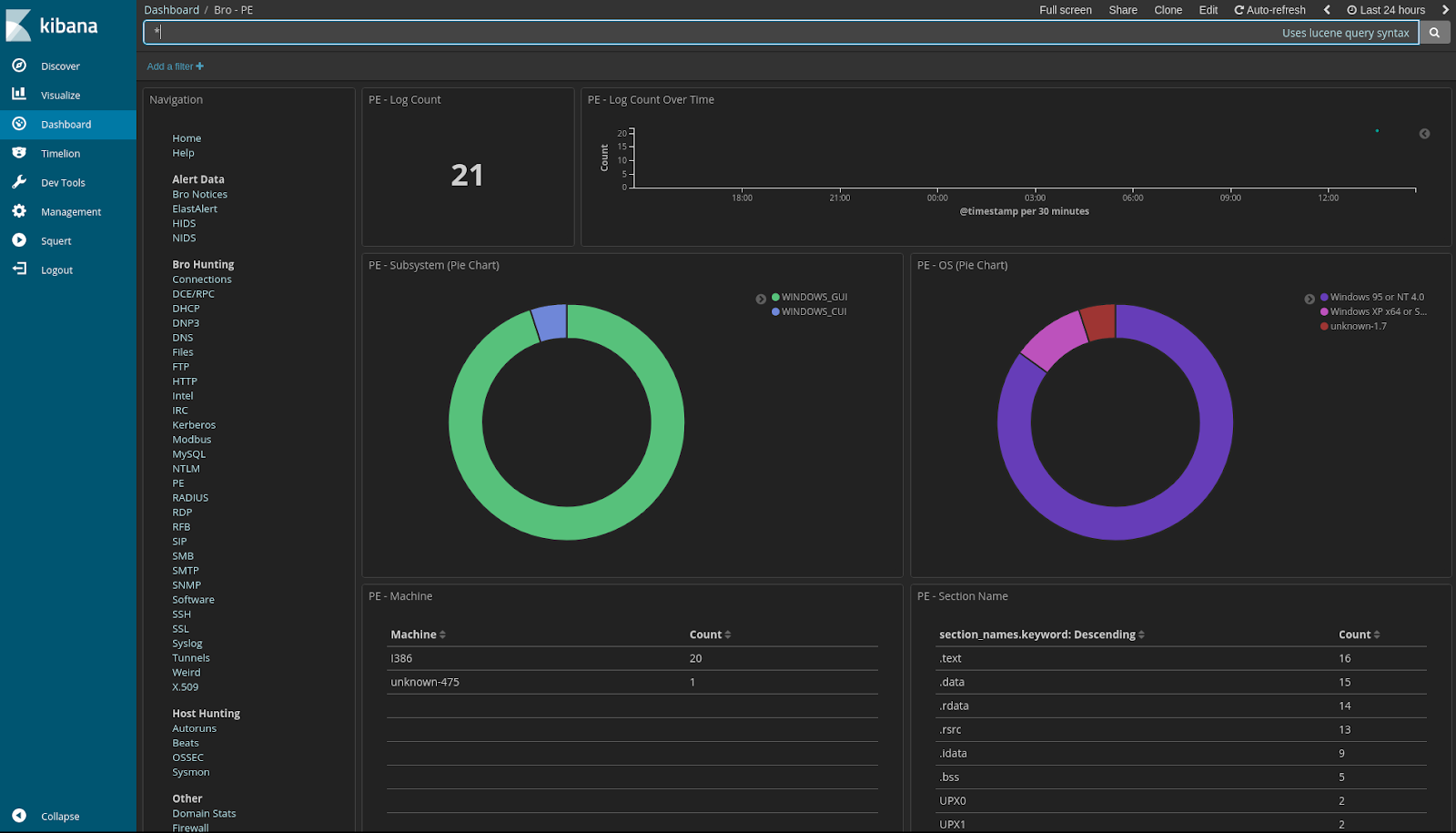
| PE |
 |
| RADIUS |
 |
| RDP |
 |
| RFB |
 |
| SIP |
 |
| SMB |
 |
| SMTP |
 |
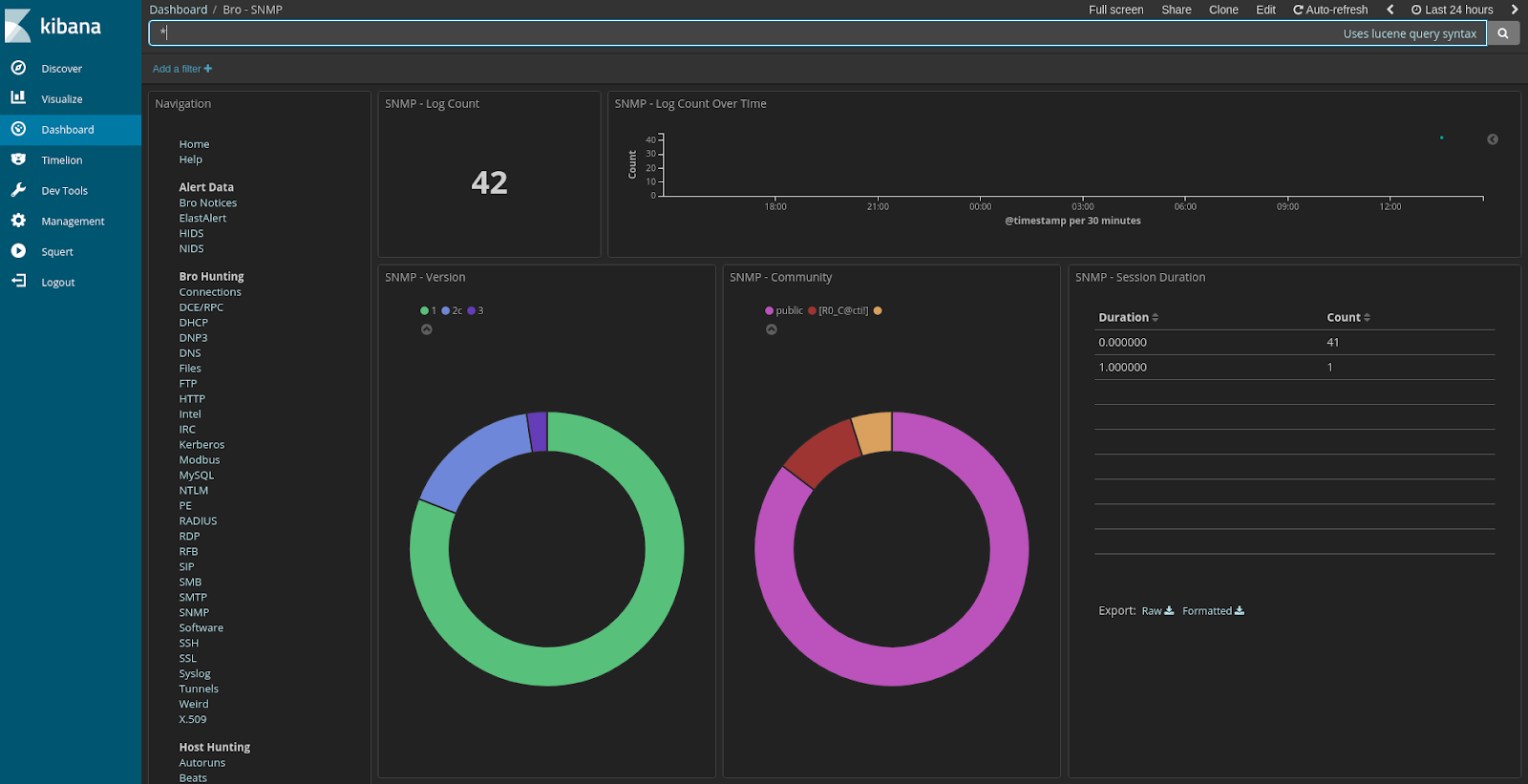
| SNMP |
 |
| Software |
 |
| SSH |
 |
| SSL |
 |
| Syslog |
 |
| Tunnels |
 |
| Weird |
 |
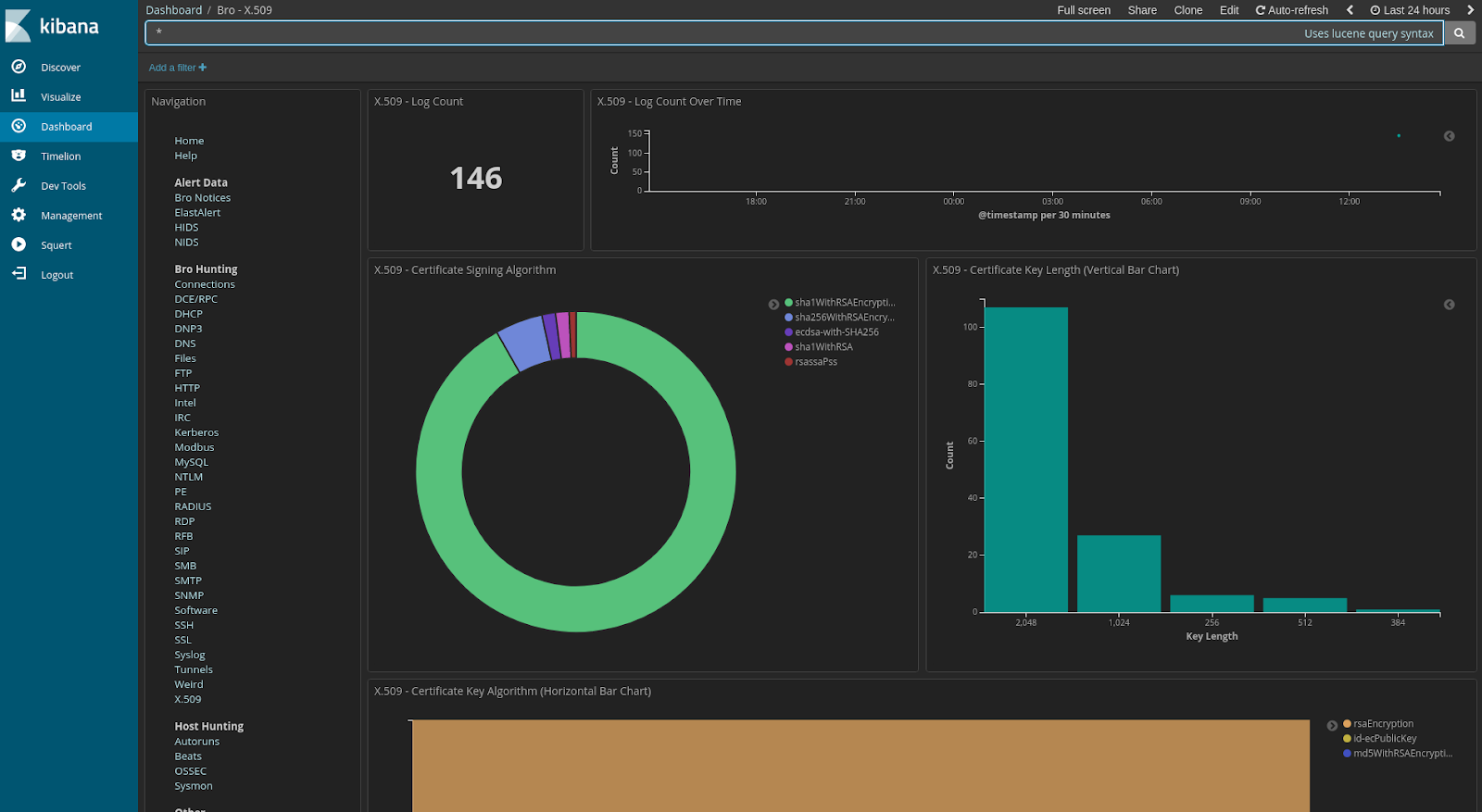
| X.509 |
 |
| Autoruns |
 |
| Beats |
 |
| OSSEC |
 |
| Sysmon |
 |
| Baby Domains |
 |
| Firewall |
 |
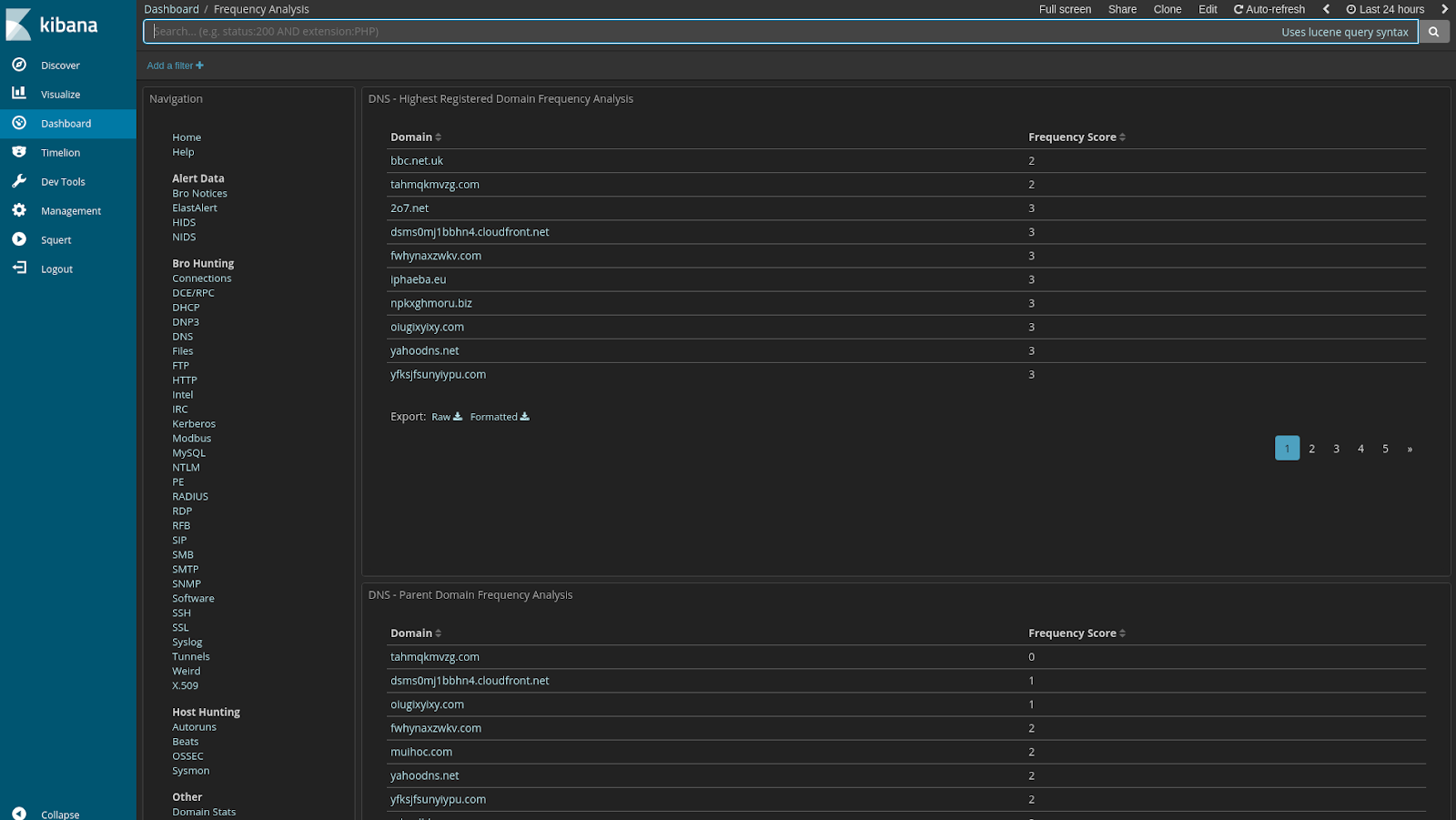
| Frequency Analysis |
 |
| Stats |
 |
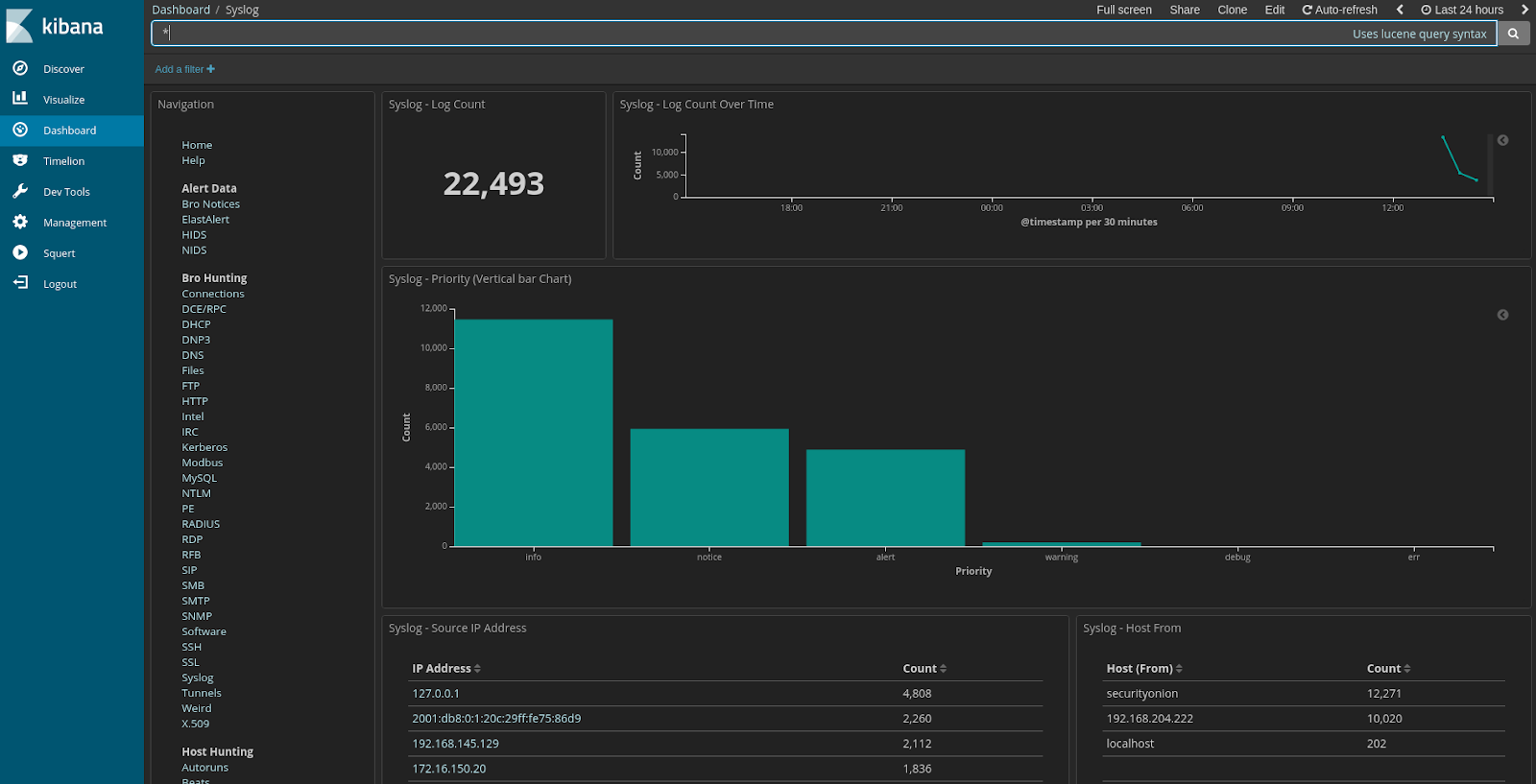
| Syslog |